GTX 1080's or Titan Maxwells?

Generic forum to discuss Octane Render, post ideas and suggest improvements.
Forum rules
Please add your OS and Hardware Configuration in your signature, it makes it easier for us to help you analyze problems. Example: Win 7 64 | Geforce GTX680 | i7 3770 | 16GB
Post Reply
Tag12345
Licensed Customer
Posts: 120
Joined: Sat Feb 27, 2016 11:23 am

Need Expert opinions on what to do with my setup.

I need help getting the best I can for my rendering, but also need to be smart about this stuff until Octane gets more updates to better the program for people without 4+ GPUs lmao


So my setup consists of a 6850K 4.3GHZ , 32 GB ram, 2x GTX 1080 Founders + GTX 1050ti @ 850W PSU

I love how fast octane is but I find that with the large scenes I work with that exceed a couple million polys it takes about 4-8 minutes to really get something clean (clean as it easy to see - but not clean as in no noise -- still a bunch of noise)


My score in Octane Bench is 283.83

GTX 1080 #1 - Full Load - 70c - GPU: 1845 mhz - Mem: 4513mhz
GTZ 1080 #2 - Full Load - 72c - GPU: 1809 mhz - Mem: 4513mhz

Unsure if thats good or not.

I use my 1050ti for my 3 screens which run at 1080p @ 60hz.


Idk if I should go for The old 12GB titan and add that to my rig - but then again, I wont be able to use that 12GB unless I replace my 1080's for the same. And I was thinking maybe a 1080 TI, but its hella expensive.

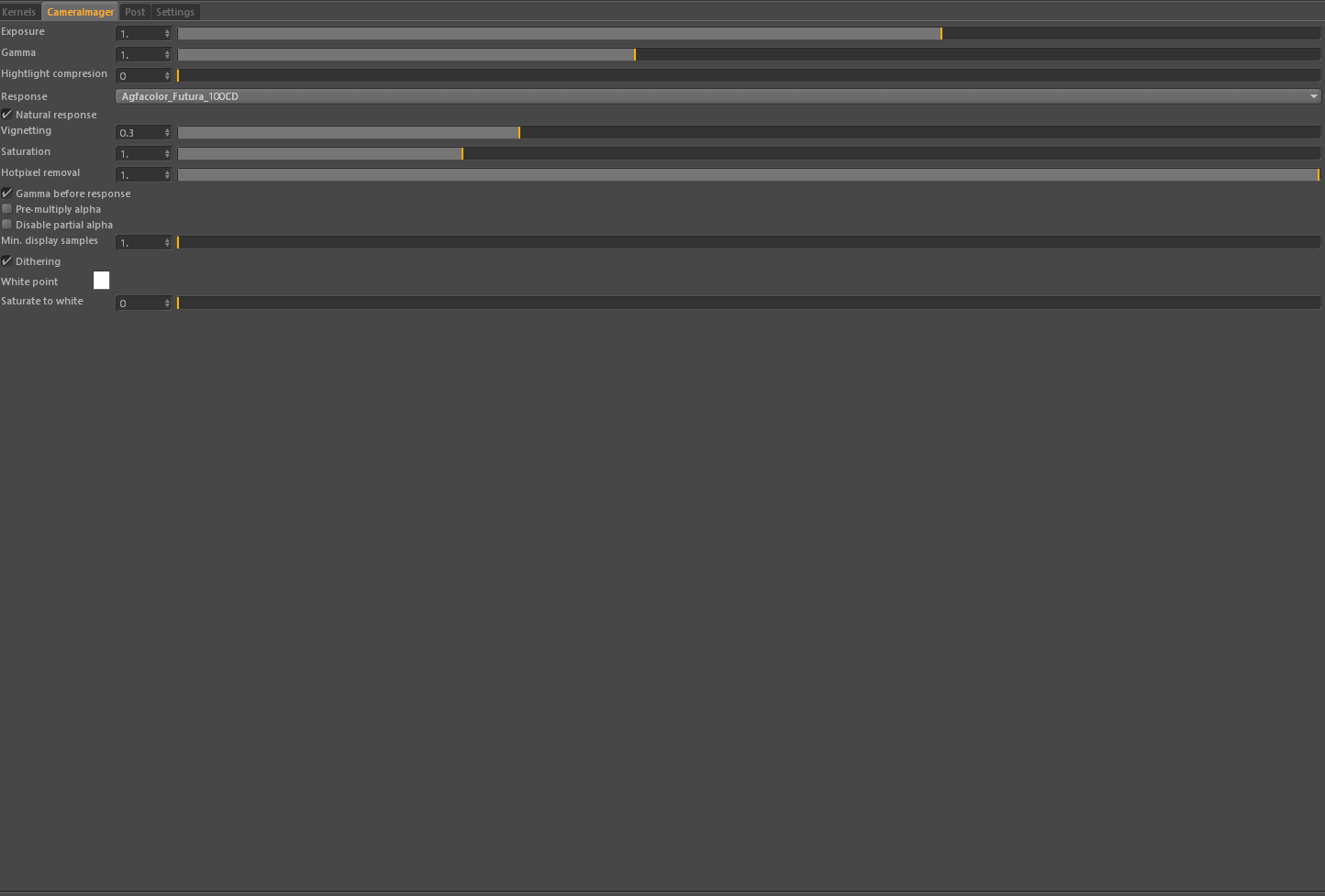
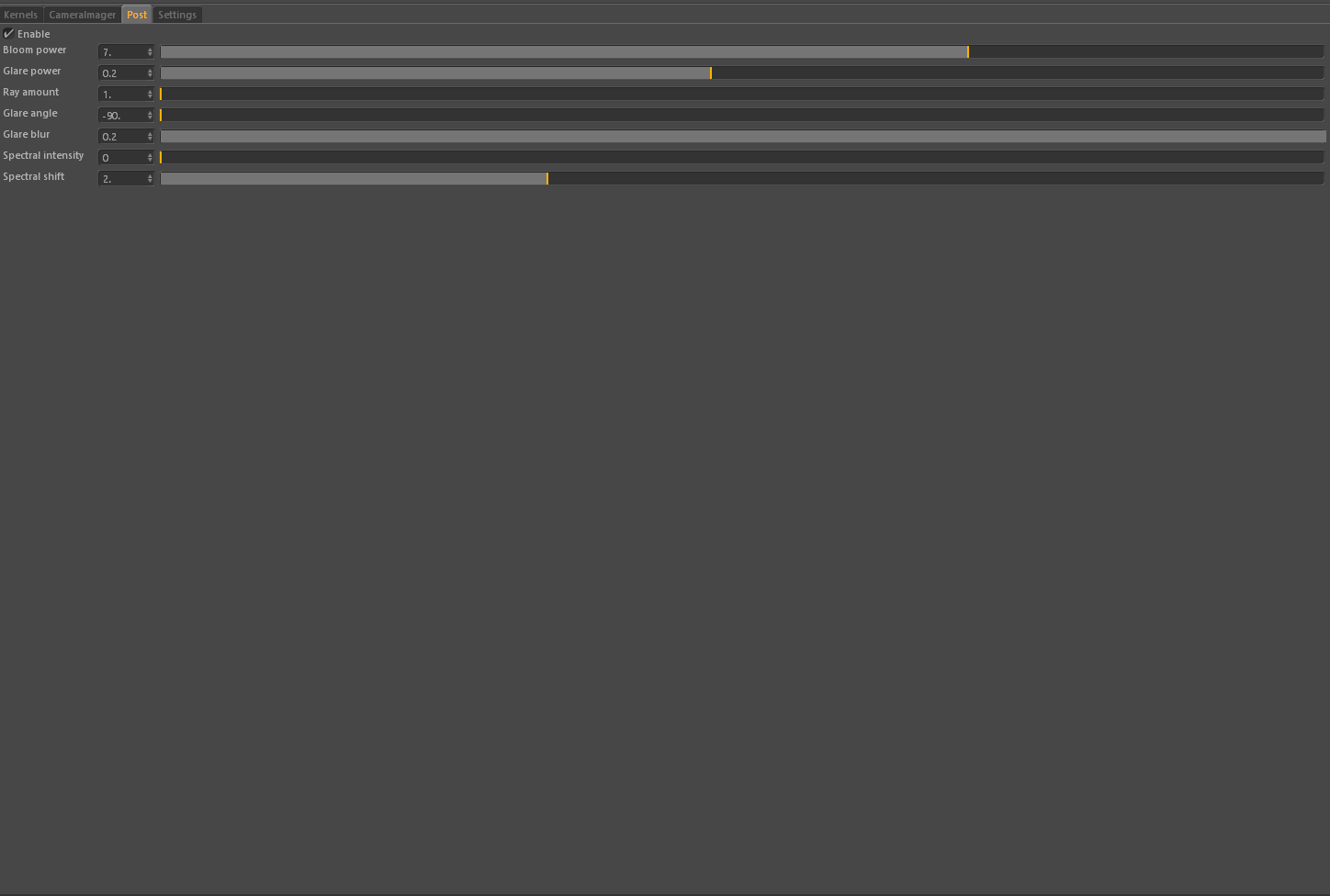
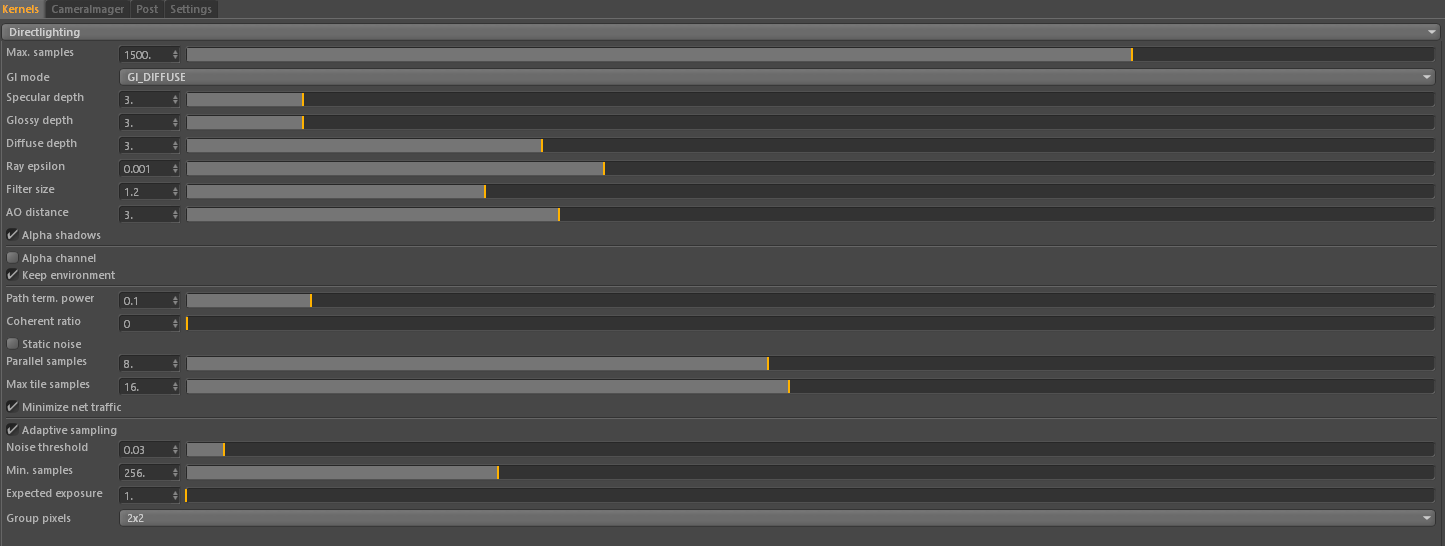
So what should i do. Any way to optimize anything, and any setting presets you guys have for your workflows? maybe im using the settings wrong?

My test Preset:
Image
Image
Image
Image

Let me know! thanks!

Feel free to educate me on anything, As far as the technical of some settings or GPU stuff with Octane, im not sure the best optimizations or setup, but I do know about the Gpu generation difference. Pretty sure VRAM is most important, but let me know


EDIT: Considering either 3 x GTX 1080's (8GB) + 1050ti or 3 x Maxwell Titans (12GB) + 1050ti
User avatar
rappet
Licensed Customer
Posts: 1962
Joined: Fri Apr 06, 2012 3:57 pm
Location: The Netherlands
Contact:

Hi,

OnN the OctaneBench score results you can see that a single 1080 has maximum of 178 and average of 138.. the 178 is probably with watgercooling, so your 1080 are bit above average score.
https://render.otoy.com/octanebench/res ... ingleGPU=1

when adding another gpu with less vram, you can still use your 12 gb gpu's... when your scenes are getting biogger then 6gb of your Titan you can disable that card for rendering in te settings and you render only with your 12 gb cards.. so you would do your self a favor adding that card instead of leaving it on your shelf ;-)

greetz,

4090+3089ti & Quad 1080ti
ArchiCAD25, ofcourse Octane & OR-ArchiCAD plugin (love it)
http://www.tapperworks.com
http://www.facebook.com/pages/TAPPERWOR ... 9851341126
http://www.youtube.com/user/Tapperworks/videos
Tag12345
Licensed Customer
Posts: 120
Joined: Sat Feb 27, 2016 11:23 am

rappet wrote:Hi,

OnN the OctaneBench score results you can see that a single 1080 has maximum of 178 and average of 138.. the 178 is probably with watgercooling, so your 1080 are bit above average score.
https://render.otoy.com/octanebench/res ... ingleGPU=1

when adding another gpu with less vram, you can still use your 12 gb gpu's... when your scenes are getting biogger then 6gb of your Titan you can disable that card for rendering in te settings and you render only with your 12 gb cards.. so you would do your self a favor adding that card instead of leaving it on your shelf ;-)

greetz,

I get that. But Since im working with larger scenes anyways and I already have 2x 1080's , If I get a 3rd 1080, id have less cuda and Vram than if I went with 3x Maxwell Titans! this is what Im trying to figure out.

Does 3 x1080s match a 3xTitan setup even though ur getting less vram? They are around the same price, but my main concern is getting the best I can get with where im at for things that might be abit more scene intensive
User avatar
rappet
Licensed Customer
Posts: 1962
Joined: Fri Apr 06, 2012 3:57 pm
Location: The Netherlands
Contact:

I do not understand why you are saying add one more 1080(ti) or go for three Titan Maxwell... Why would you go for three.. Is that for another pc?
I thought you were syaing you want to add one other card to your config?
You mix Pascal and Maxwell cards in one pc.

4090+3089ti & Quad 1080ti
ArchiCAD25, ofcourse Octane & OR-ArchiCAD plugin (love it)
http://www.tapperworks.com
http://www.facebook.com/pages/TAPPERWOR ... 9851341126
http://www.youtube.com/user/Tapperworks/videos
Tag12345
Licensed Customer
Posts: 120
Joined: Sat Feb 27, 2016 11:23 am

rappet wrote:I do not understand why you are saying add one more 1080(ti) or go for three Titan Maxwell... Why would you go for three.. Is that for another pc?
I thought you were syaing you want to add one other card to your config?
You mix Pascal and Maxwell cards in one pc.

Sorry didn't explain.

I can easily sell my two 1080's for 2 Titans and break even, then buy another titan.
User avatar
rappet
Licensed Customer
Posts: 1962
Joined: Fri Apr 06, 2012 3:57 pm
Location: The Netherlands
Contact:

Looking at the OctaneBench the Titan Maxwell score is lower then the 1080.
you can ask yourself if you need more then 8gb vram in your mayor work?
If you only need more then 8gb ram now and then you could stick to the 1080 cards.

Are you sure you can stick 4 cards in your pc and not having trouble with your airflow and temps?

4090+3089ti & Quad 1080ti
ArchiCAD25, ofcourse Octane & OR-ArchiCAD plugin (love it)
http://www.tapperworks.com
http://www.facebook.com/pages/TAPPERWOR ... 9851341126
http://www.youtube.com/user/Tapperworks/videos
Tag12345
Licensed Customer
Posts: 120
Joined: Sat Feb 27, 2016 11:23 am

rappet wrote:Looking at the OctaneBench the Titan Maxwell score is lower then the 1080.
you can ask yourself if you need more then 8gb vram in your mayor work?
If you only need more then 8gb ram now and then you could stick to the 1080 cards.

Are you sure you can stick 4 cards in your pc and not having trouble with your airflow and temps?
Is it a significant difference? Because I can always overclock the titans too. And heat isn't an issue. I get my video cards to about 80c at full load even with 4 cards at one point.

But I'm surprised 9000 maxwell cores get blown away by 6000 pascal cores.

But the extra vram can do a lot. I just want to get confirmation that's its worth it. It might be slightly slower clock speeds but idk?
Zay
Licensed Customer
Posts: 1129
Joined: Sun Jan 17, 2010 2:53 am

Also remember that Win10 will eat 20% of your VRAM.
viewtopic.php?f=12&t=51992
Win 11 Pro | i5 12600K | 32GB ram | 2x GTX 1080Ti + 3080Ti - studio driver 560.94| Modo/Blender/ZBrush/Daz/Poser
Tag12345
Licensed Customer
Posts: 120
Joined: Sat Feb 27, 2016 11:23 am

Zay wrote:Also remember that Win10 will eat 20% of your VRAM.
viewtopic.php?f=12&t=51992
Just saw and now taking that into account. Im guessing it might be bestr to push for a 4x 1080 workflow.

1080TI rn seem too overpriced to go for those sadly
User avatar
rappet
Licensed Customer
Posts: 1962
Joined: Fri Apr 06, 2012 3:57 pm
Location: The Netherlands
Contact:

Tag12345 wrote:
Zay wrote:Also remember that Win10 will eat 20% of your VRAM.
viewtopic.php?f=12&t=51992
Just saw and now taking that into account. Im guessing it might be bestr to push for a 4x 1080 workflow.

1080TI rn seem too overpriced to go for those sadly
I think they are not that overpriced... Just look at the OctaneBench scores and compare prices relative to score.
1080/1080ti = 136/185
It also depends on the prices you can get your cards ofcourse.

4090+3089ti & Quad 1080ti
ArchiCAD25, ofcourse Octane & OR-ArchiCAD plugin (love it)
http://www.tapperworks.com
http://www.facebook.com/pages/TAPPERWOR ... 9851341126
http://www.youtube.com/user/Tapperworks/videos
Post Reply

Return to “General Discussion”